Support


Rockville
RPM109 V2
RPM109 V2
12-Channel Powered Mixer, 600W x 2 @ 4Ω
Free Shipping
Regular price
$349.95
Sale price
$349.95
Regular price
$0.00
Unit price
per
Features
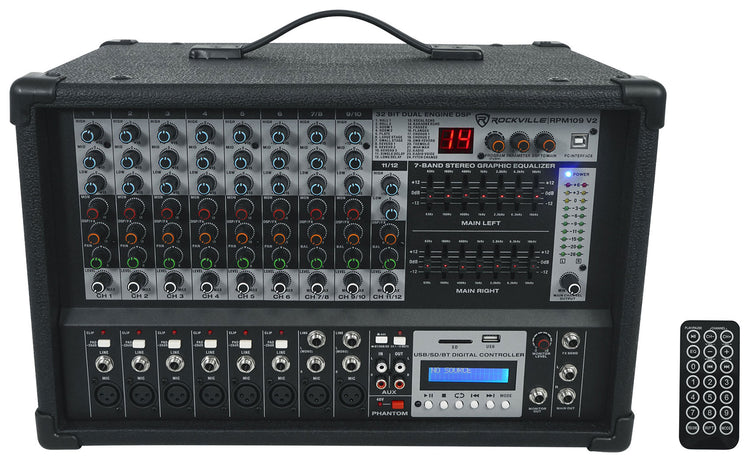
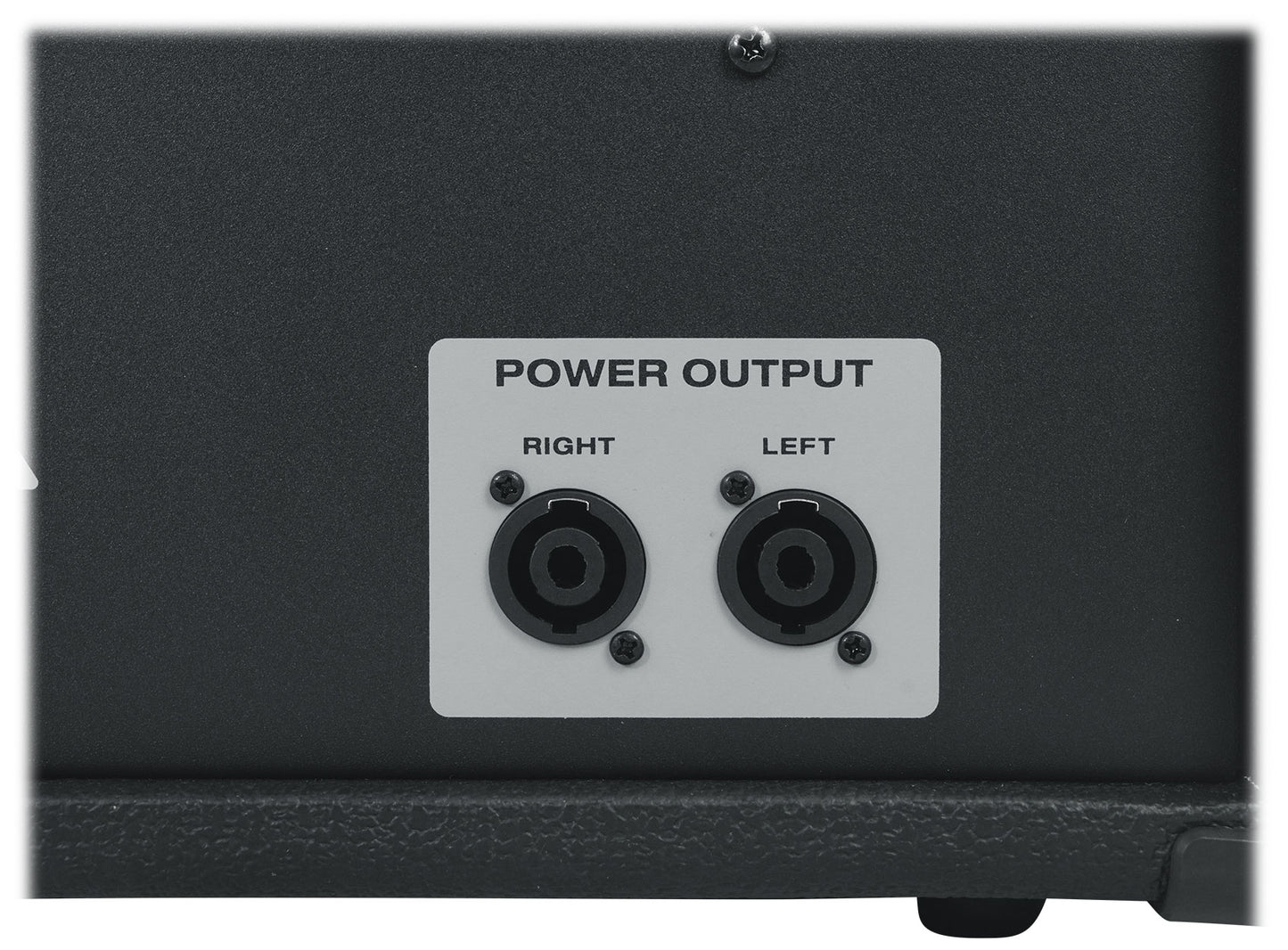
- 12-channel powered mixer with 600W x 2 RMS output
- Bluetooth, USB, and SD playback for flexible connectivity
- 24 digital effects for creative sound shaping
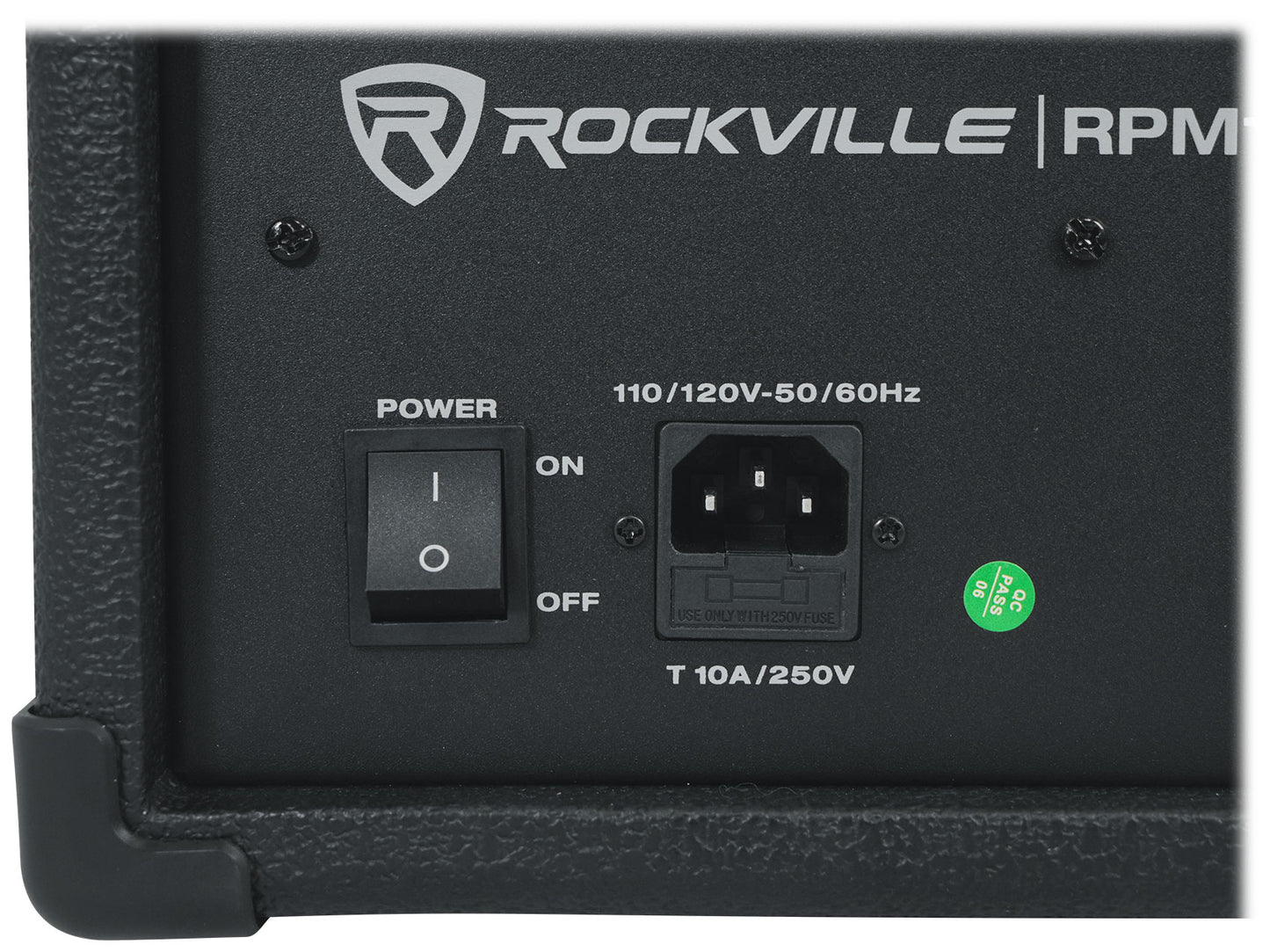
- Rugged wood cabinet with dual fan cooling
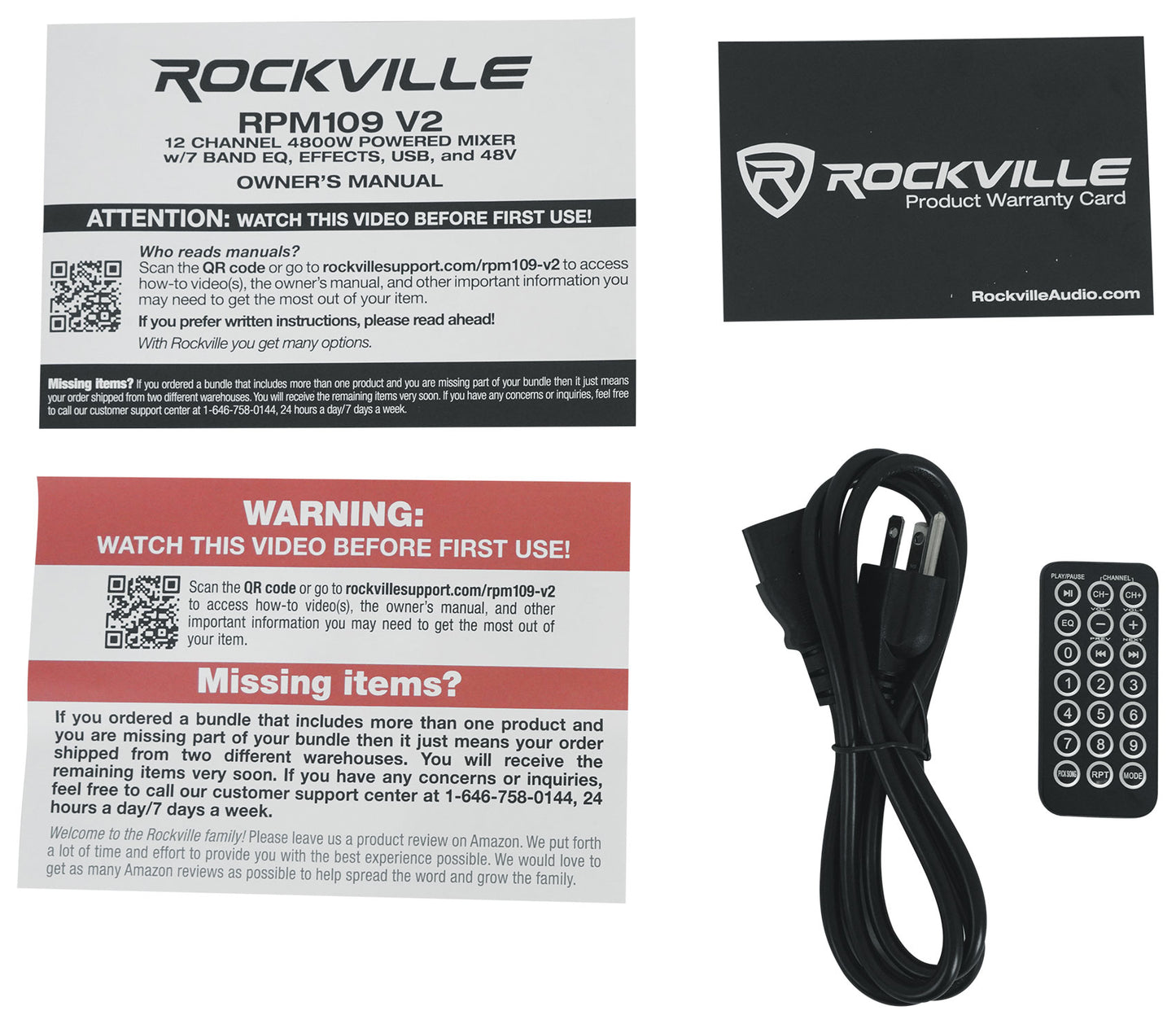
- Includes power cable and user manual
Couldn't load pickup availability
SKU: SKU: RPM109 V2
View full details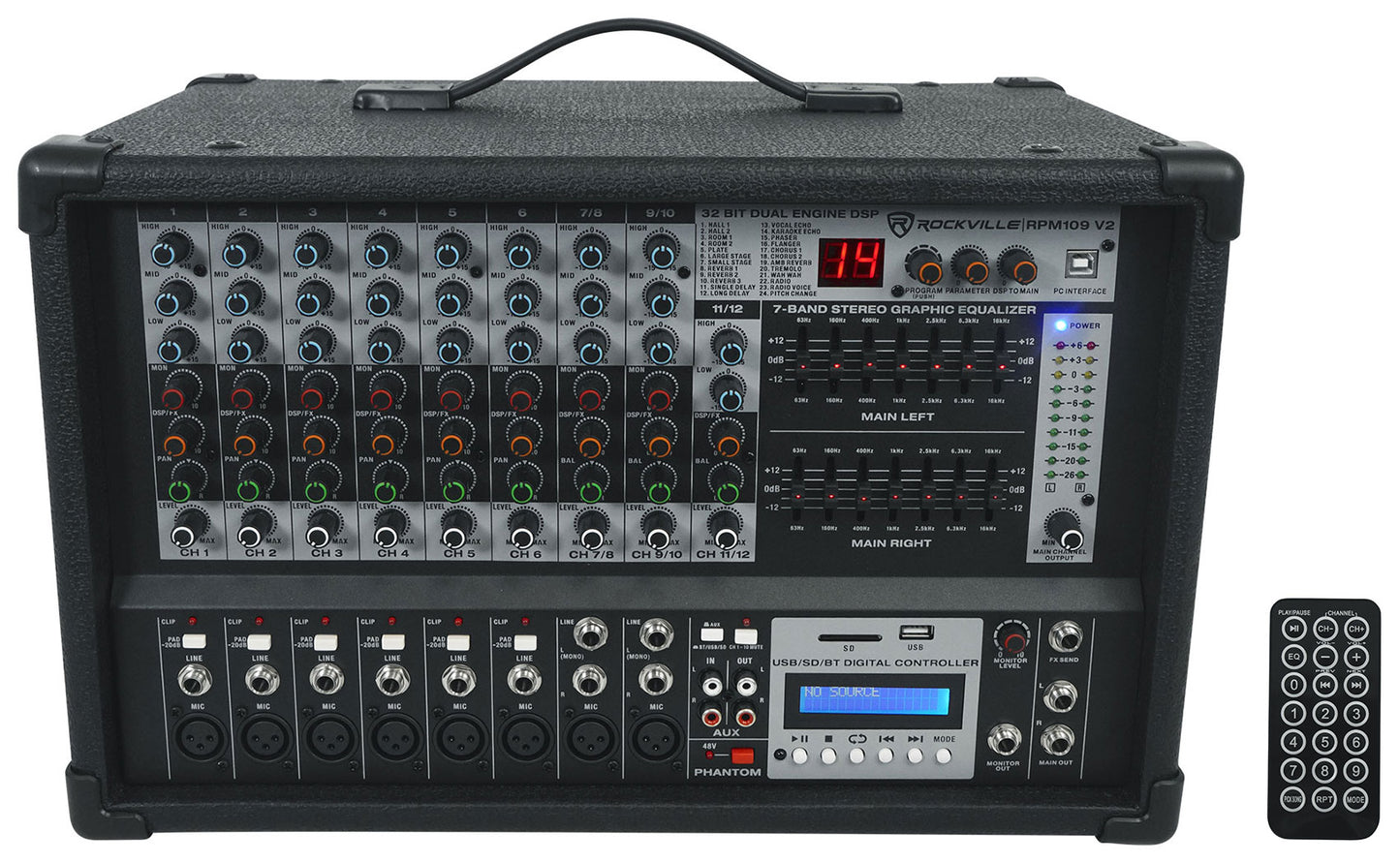


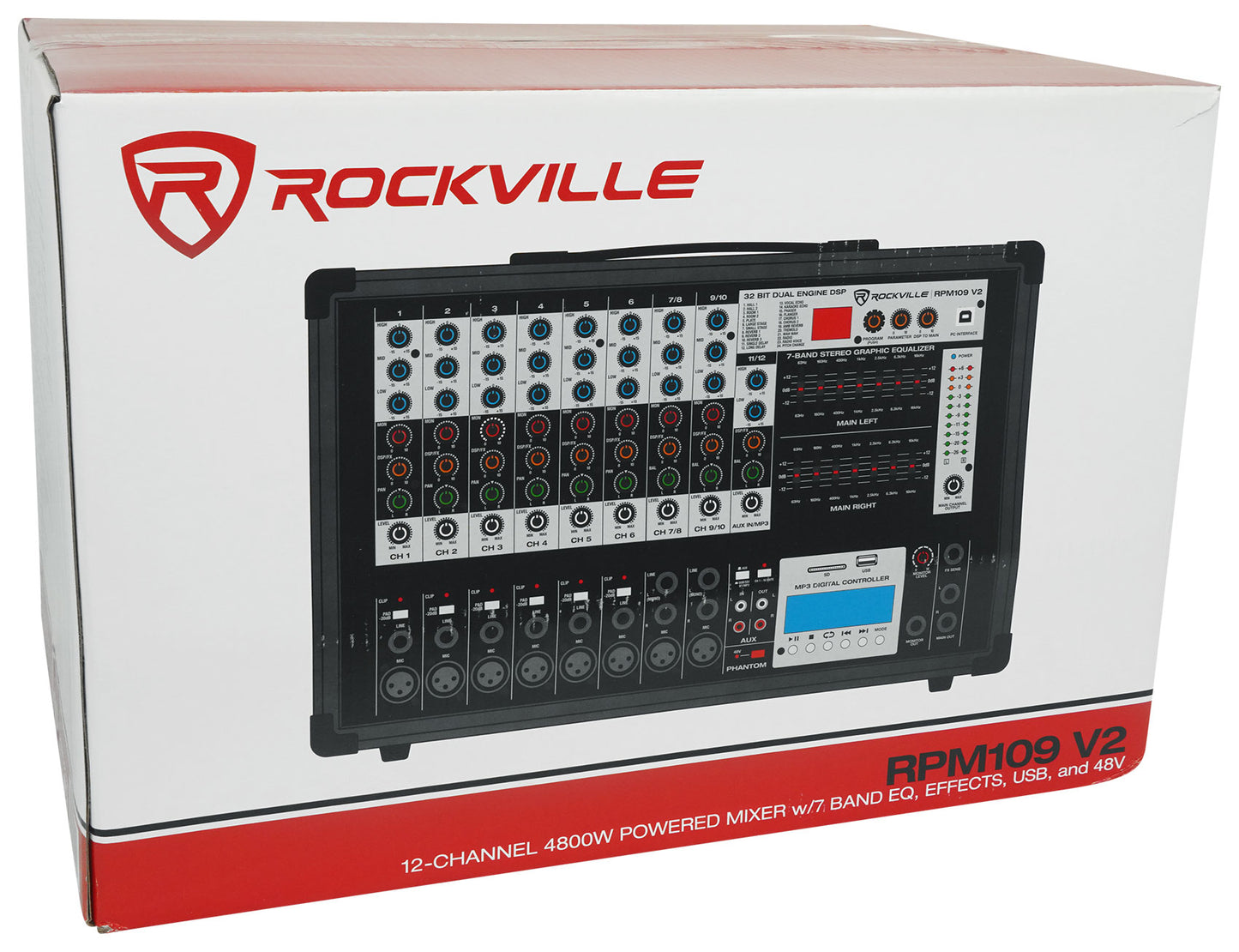
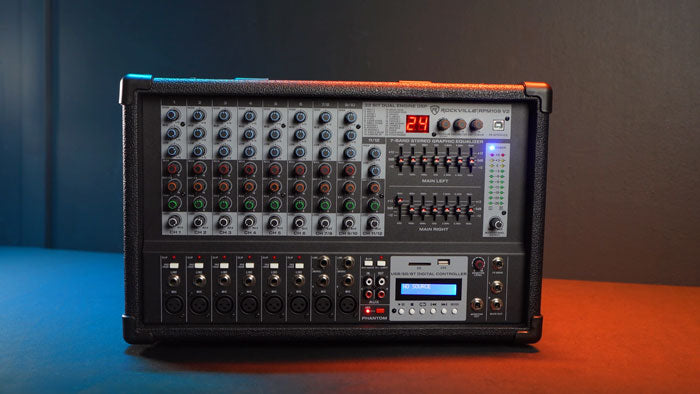
Powerful 12-Channel Mixer with Advanced Features
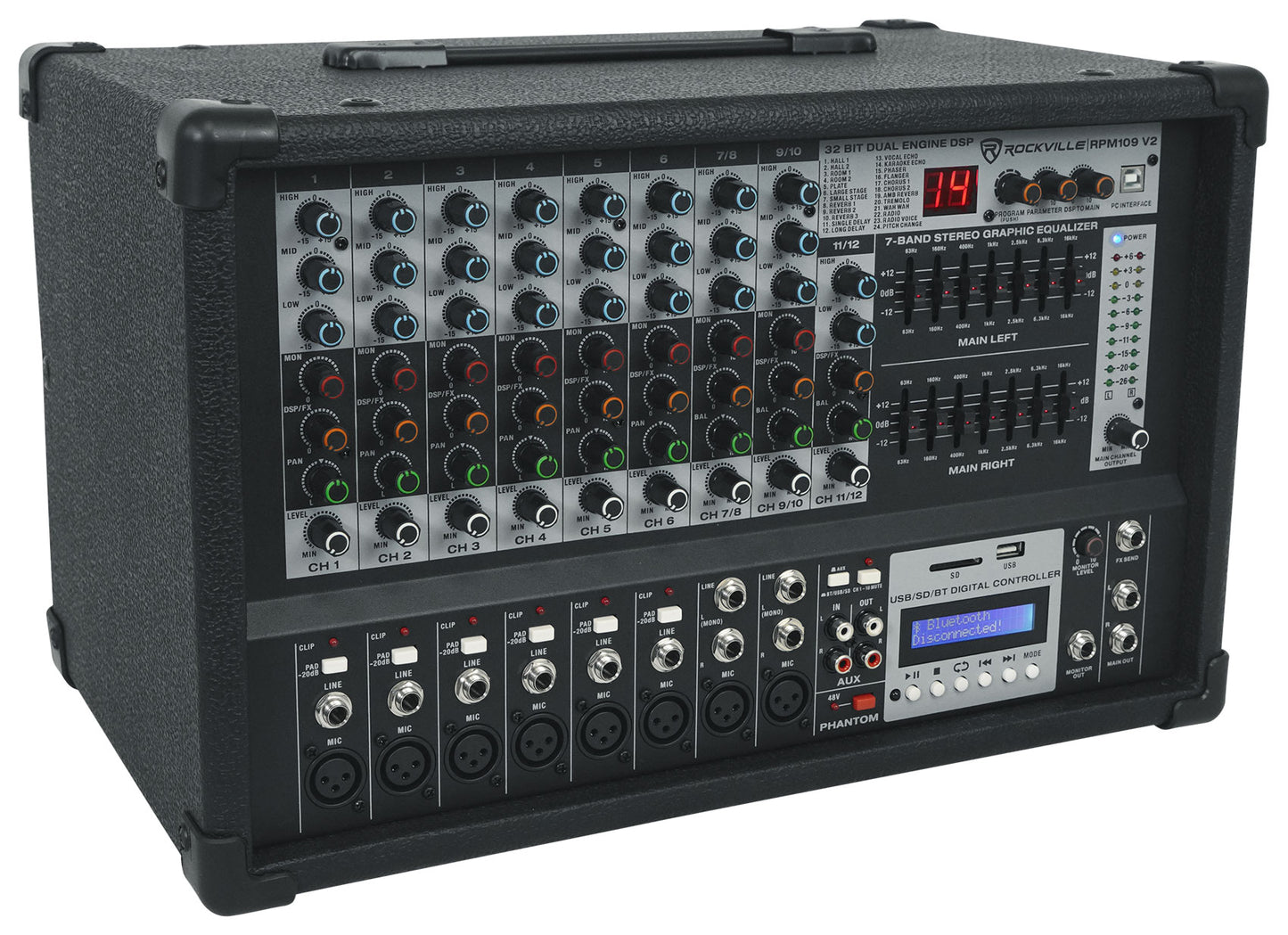
The Rockville RPM109 V2 is a 12-channel powered mixer crafted for those who value both performance and versatility. With 600W x 2 RMS at 4 ohms, this mixer delivers commanding sound, while its wood cabinet construction ensures durability and a refined aesthetic.
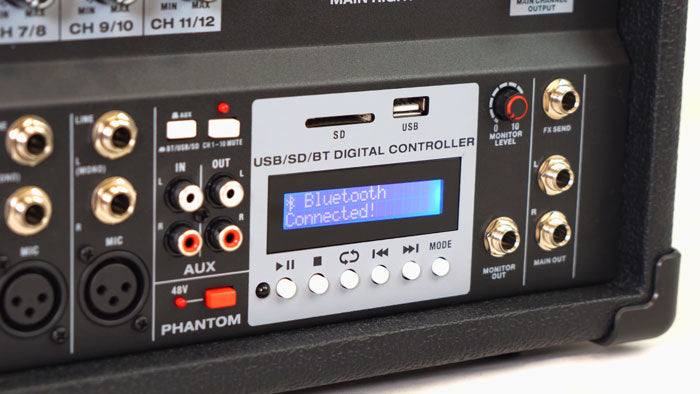
Flexible Connectivity and Playback Options
Enjoy seamless integration with built-in Bluetooth, USB, and SD inputs, allowing you to play music from multiple sources. The upgraded USB interface supports both playback and direct recording to your DAW, expanding creative possibilities for performers and producers.
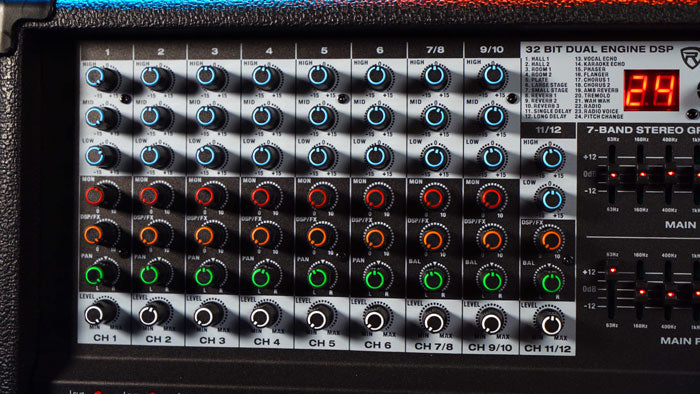
Precision Control for Every Performance
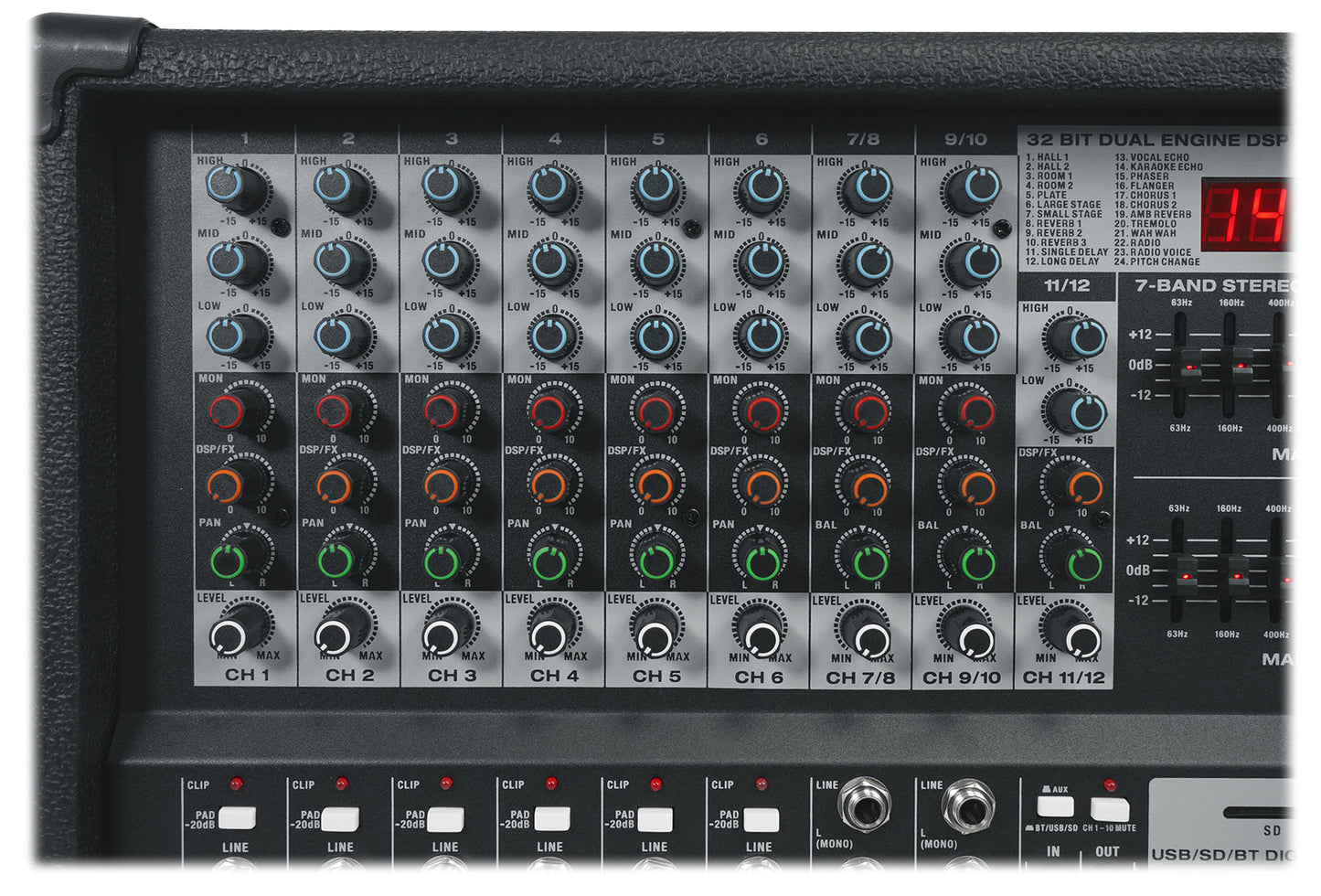
Shape your sound with a 3-band EQ on each channel and a dual 7-band master EQ for main outputs. The 24 digital effects, including reverb and delay, add depth and character, while mute buttons and LED indicators provide intuitive control during live sets.

Distinctive Design and Superior Build
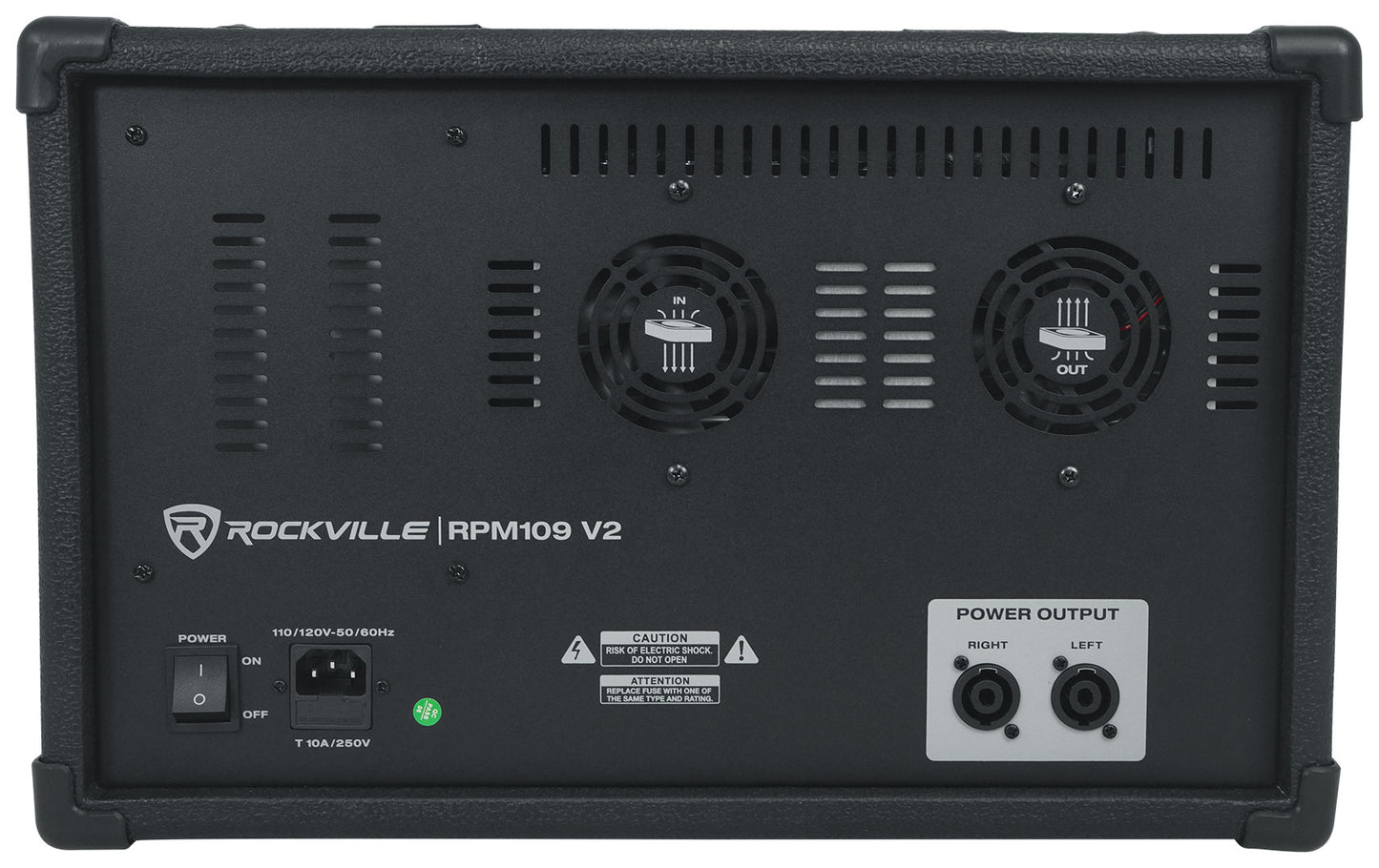
Encased in a high-quality wooden enclosure, the RPM109 V2 stands out with its robust build and sophisticated look. Dual fan vent cooling and a noise-free internal power supply guarantee reliable operation, even during extended sessions.

Ready for Any Stage or Studio
Whether setting up for a live show, managing a studio session, or hosting an event, the RPM109 V2 adapts to your needs. Elevate your audio experience—choose the RPM109 V2 for premium sound, advanced features, and lasting reliability.
Features
-
Powerful Output
600W x 2 RMS at 4 ohms delivers commanding, clear sound for any venue or event.
-
Versatile Playback
Bluetooth, USB, and SD inputs offer flexible music playback and recording options for modern setups.
-
Advanced Effects Suite
24 digital effects, including reverb and delay, add depth and character to your mix for a polished result.
-
Intuitive Control
Individual channel EQs, dual 7-band master EQ, and mute buttons provide precise sound shaping and easy management.
-
Durable, Stylish Build
High-quality wood cabinet and dual fan cooling ensure reliability and a premium look for stage or studio.