 Support


Rockville
PS20
PS20
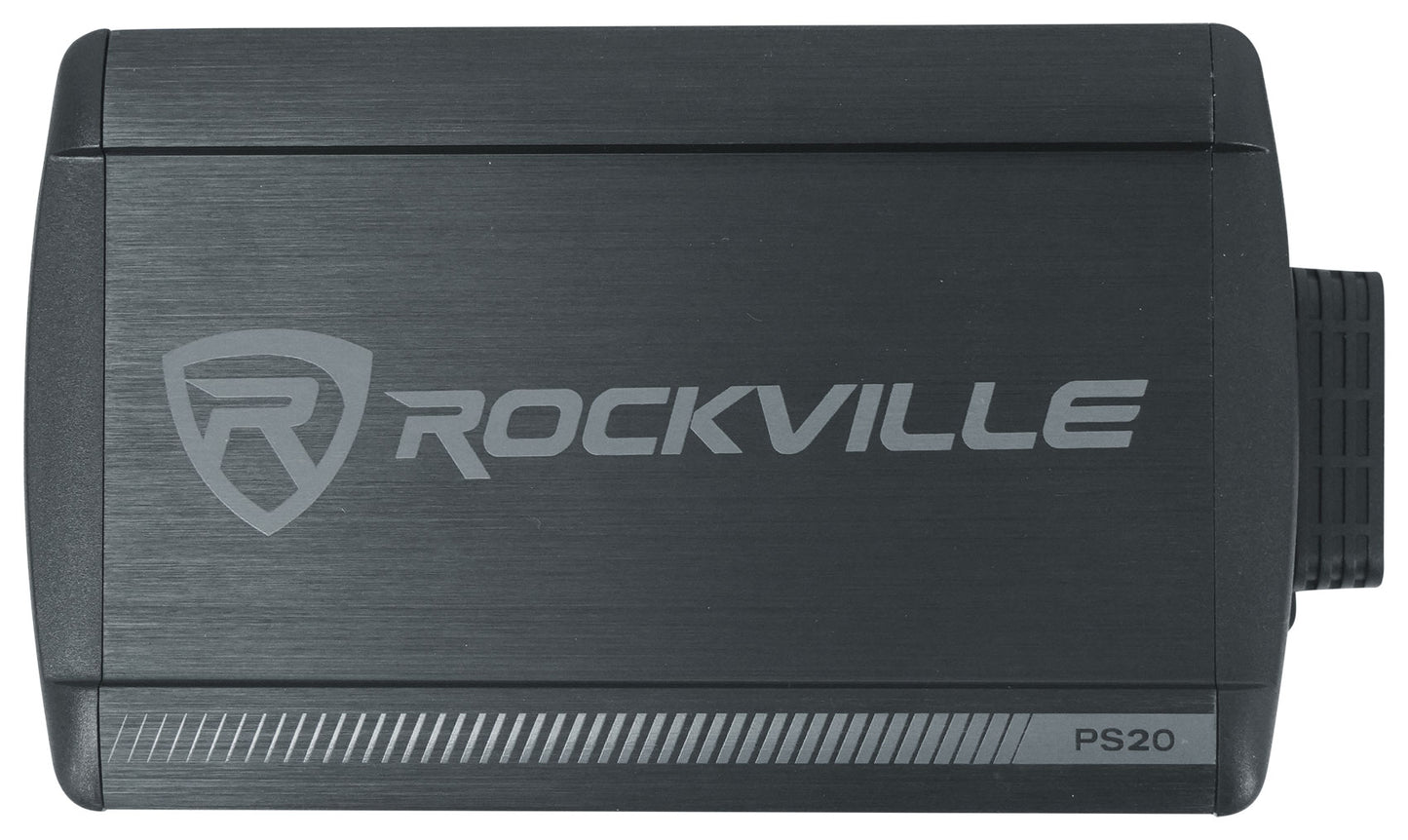
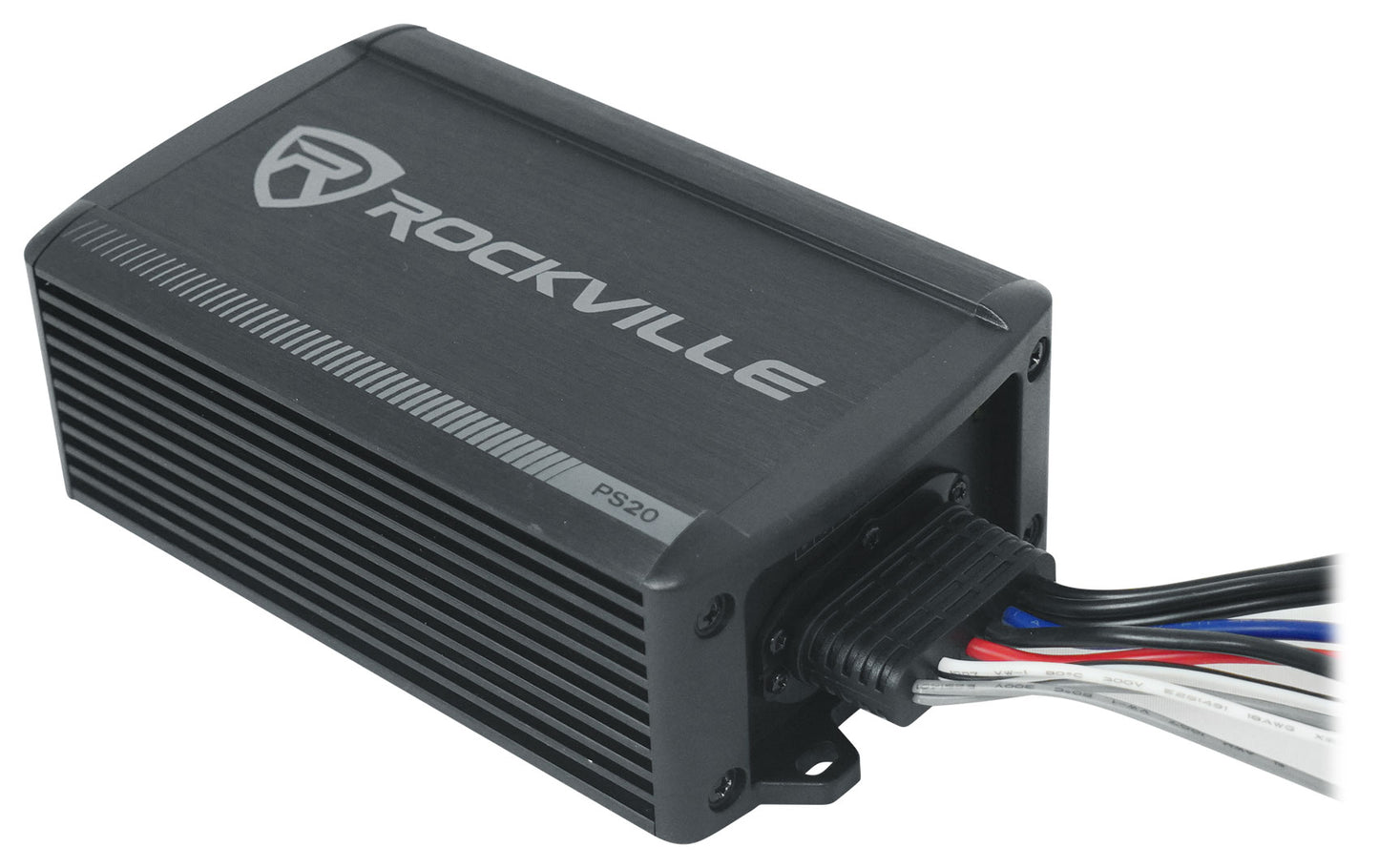
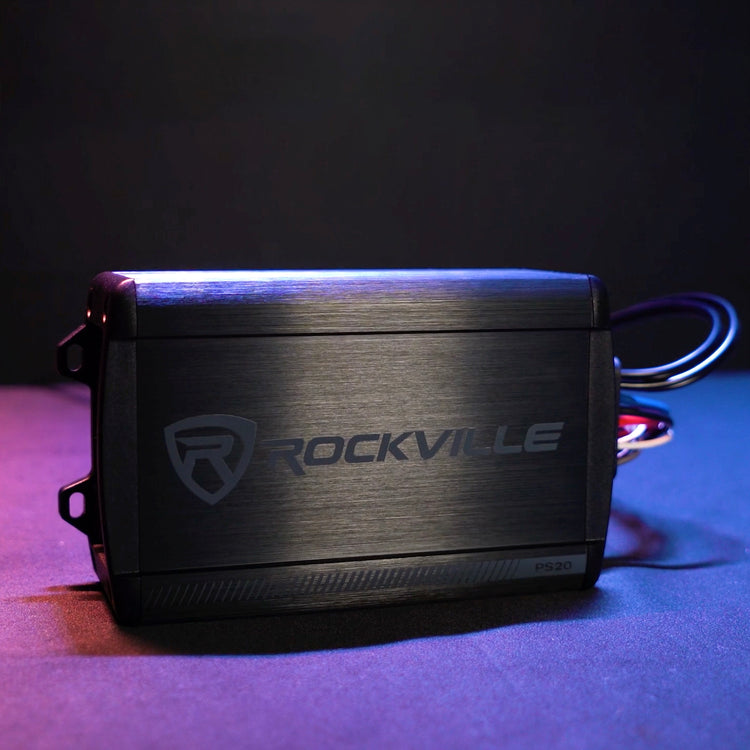
Waterproof Micro Powersport Amplifier, 150W x 2, Bluetooth
Free Shipping
Regular price
$99.95
Sale price
$99.95
Regular price
$0.00
Unit price
per
Features
- Waterproof micro amplifier with 150W x 2 RMS power
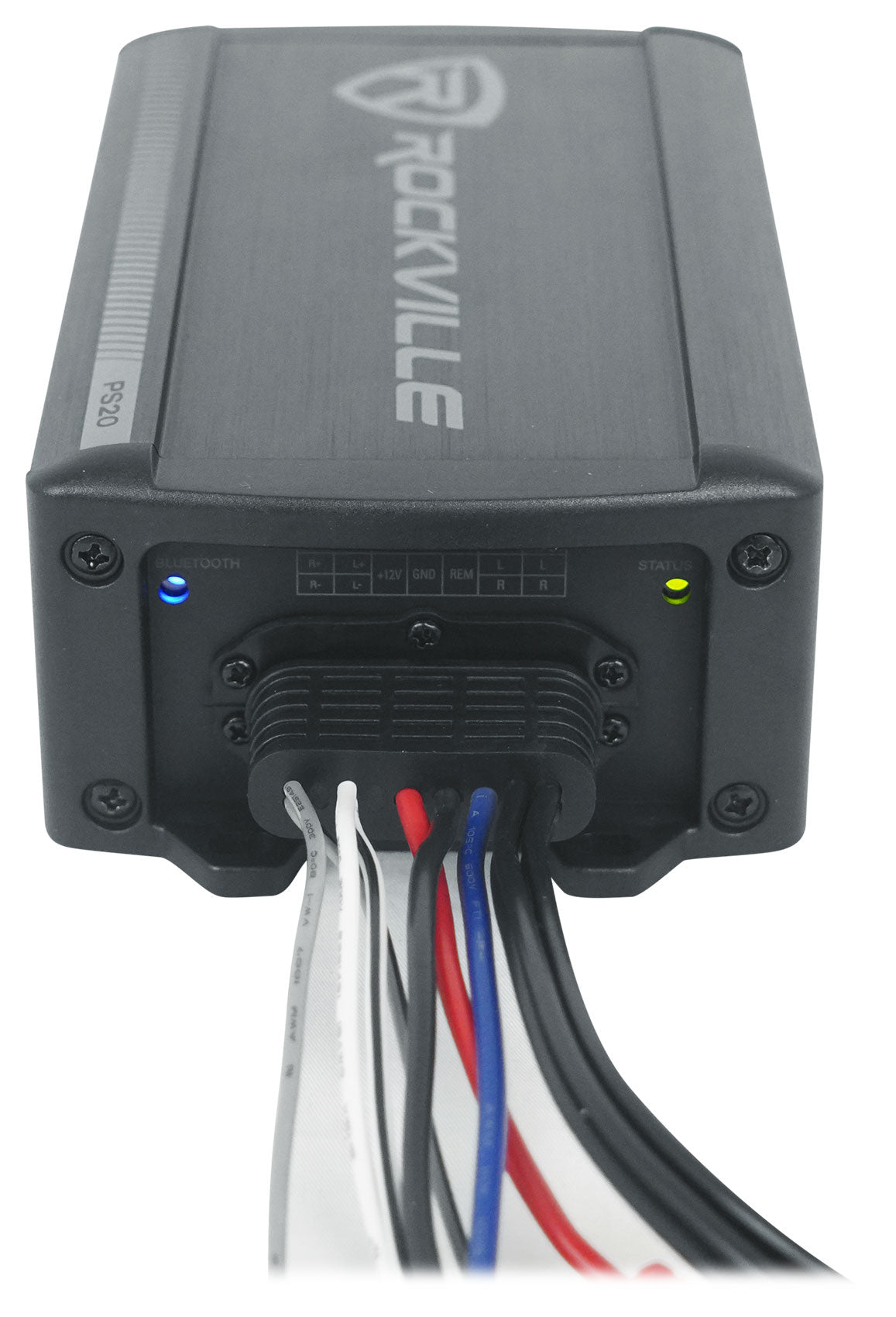
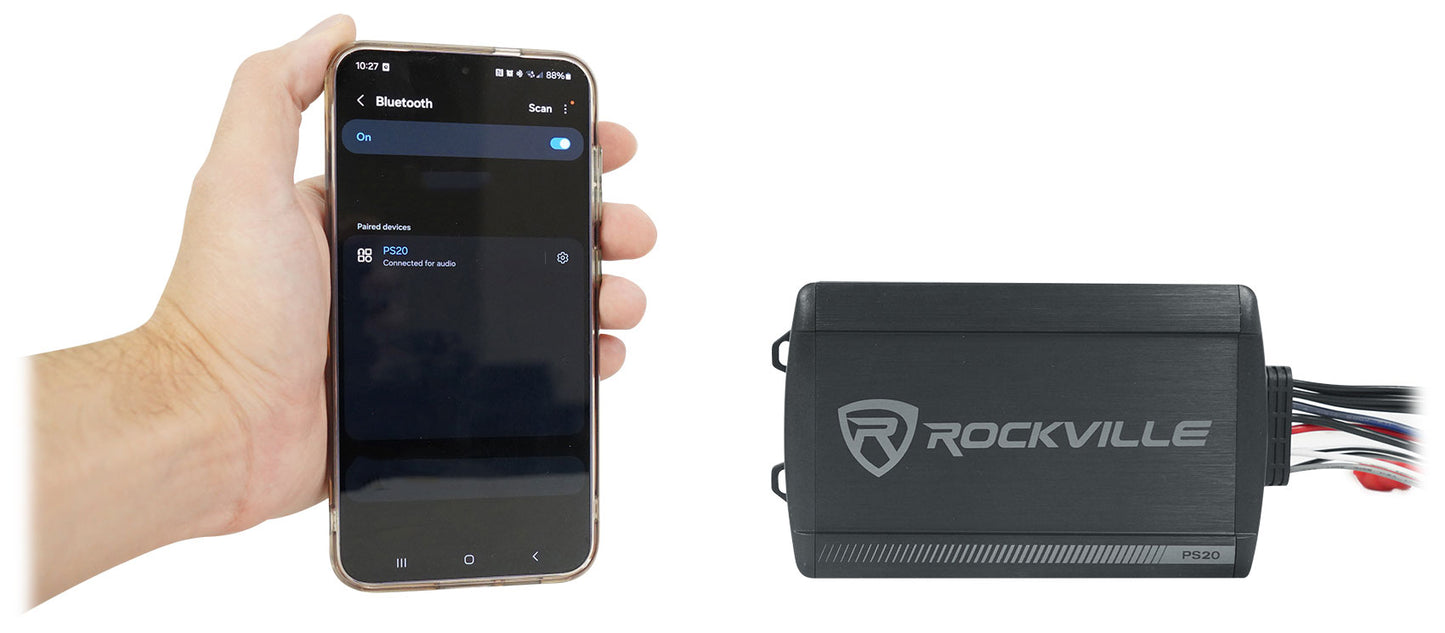
- Bluetooth streaming for wireless audio freedom
- Ultra-compact design fits UTVs, ATVs, and motorcycles
- IP65 rating protects against water, mud, and dust
- Easy installation with included mounting hardware and silicone covers
Couldn't load pickup availability
What's Included in the box
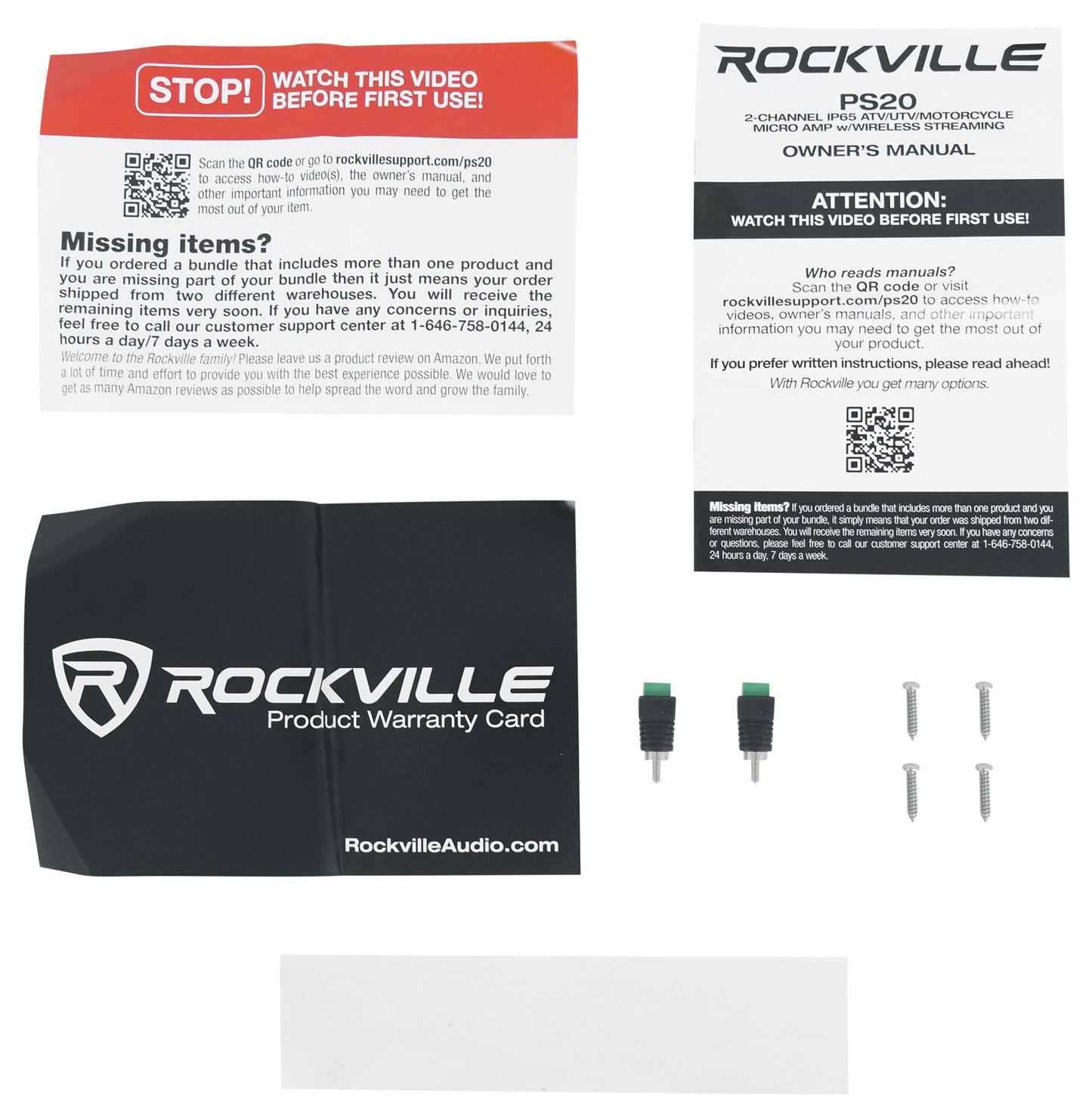
- Rockville PS20 micro powersport amplifier
- Mounting hardware
- Waterproof silicone covers
SKU: SKU: PS20
View full details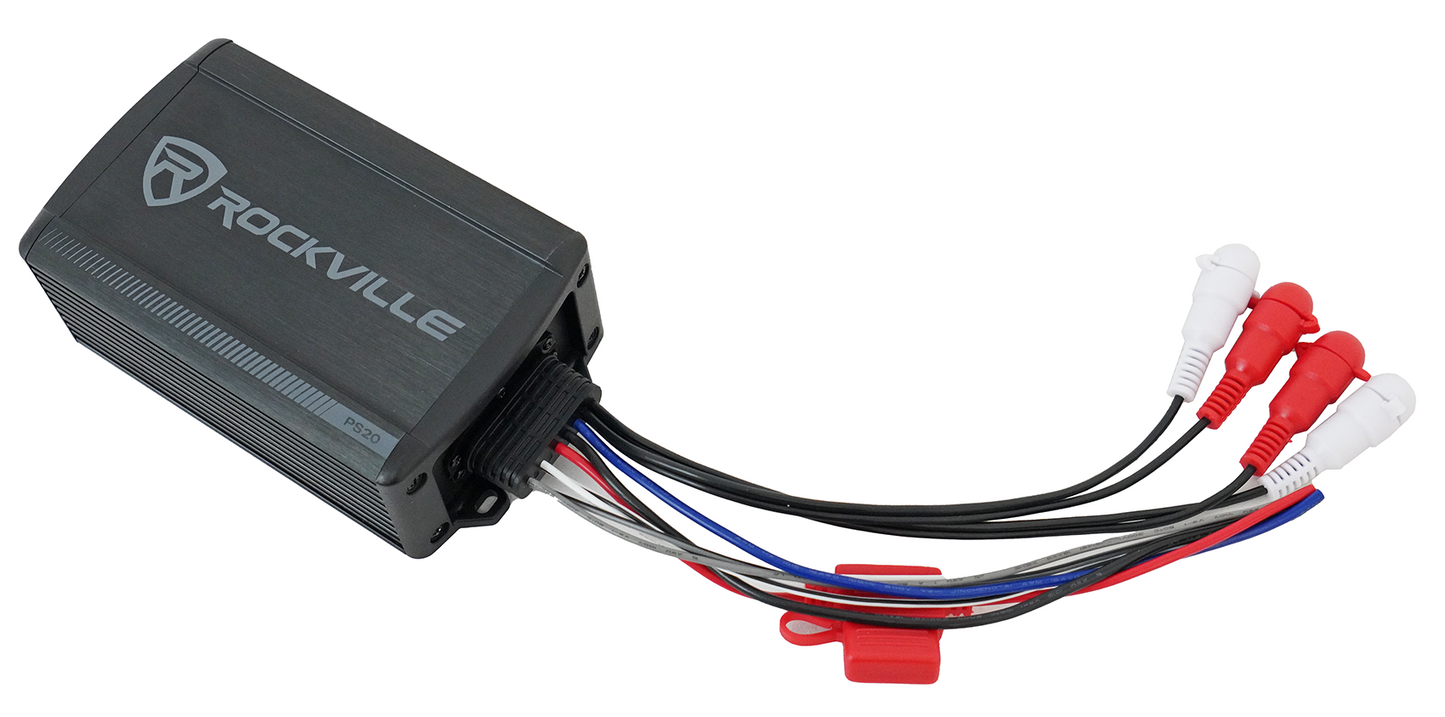
Product Description
The Rockville PS20 is a rugged, waterproof micro-amplifier engineered for powerful, reliable audio in any environment. Delivering 150 watts RMS per channel into 2 ohms, this compact amp is perfect for UTVs, ATVs, and motorcycles. Its IP65 rating ensures protection against water, mud, and dust, while built-in Bluetooth offers wireless freedom—no head unit required. The PS20’s ultra-compact design fits easily in tight spaces, and advanced sound controls let you tailor your audio experience. Whether you’re powering through trails or washing down your ride, the PS20 delivers consistent, high-fidelity sound wherever adventure takes you.
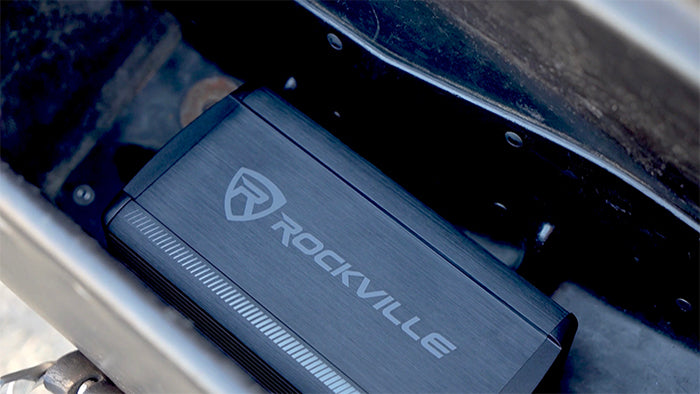
Rugged Micro Powersport Amplifier
The Rockville PS20 is a compact, waterproof amplifier designed for UTVs, ATVs, and motorcycles. With 150W x 2 RMS into 2 ohms, it delivers powerful, consistent audio in any environment.
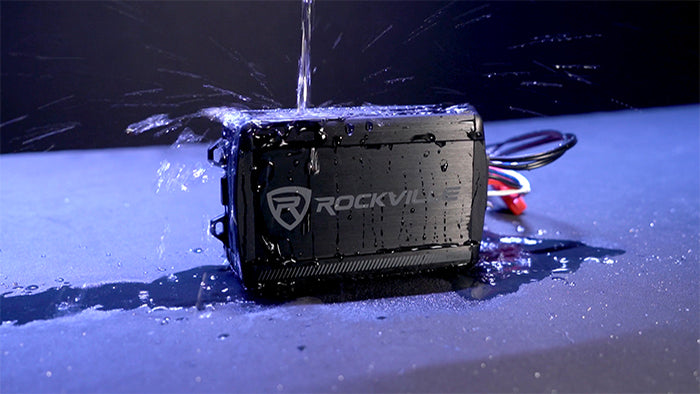
Engineered for Adventure
IP65 waterproof and dust-proof, the PS20 withstands water, mud, and harsh weather. Silicone covers and anti-rust materials protect every connection, ensuring reliable performance on the trail or at the wash down.
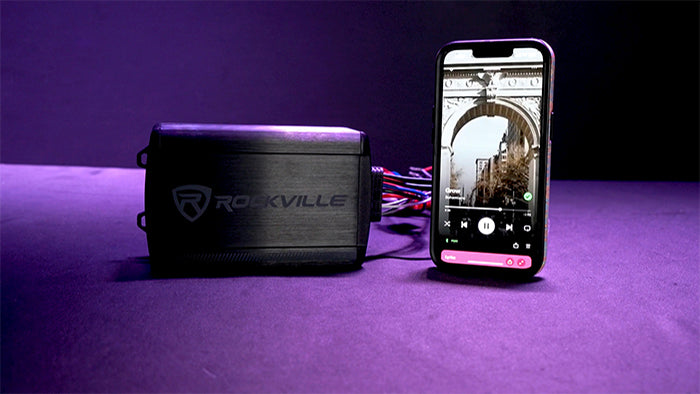
Wireless Freedom and Easy Installation
Built-in Bluetooth streaming eliminates the need for a head unit—just connect your smartphone and go. Its micro size and lightweight Class D design fit easily in tight spaces, conserving battery power.
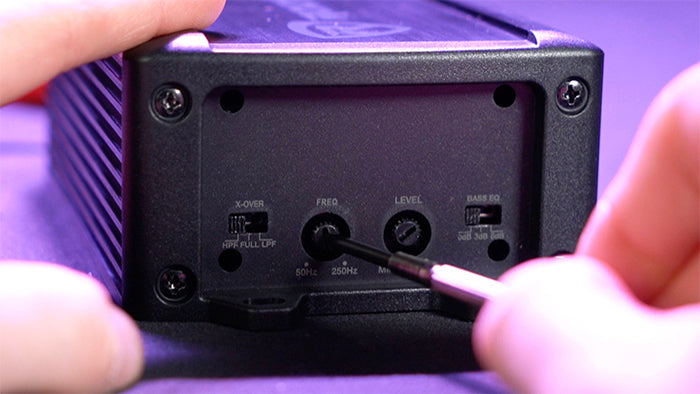
Advanced Sound Controls
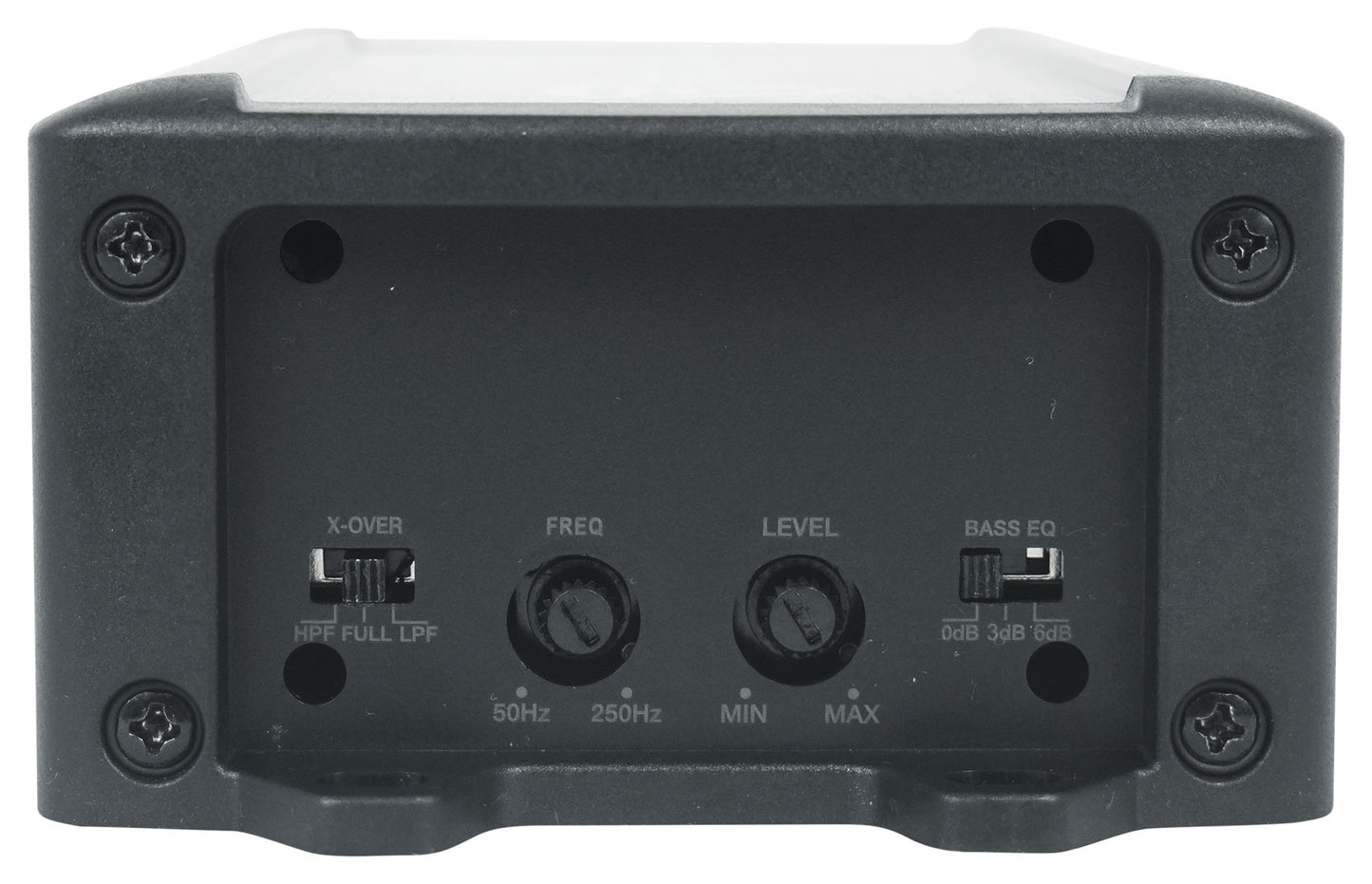
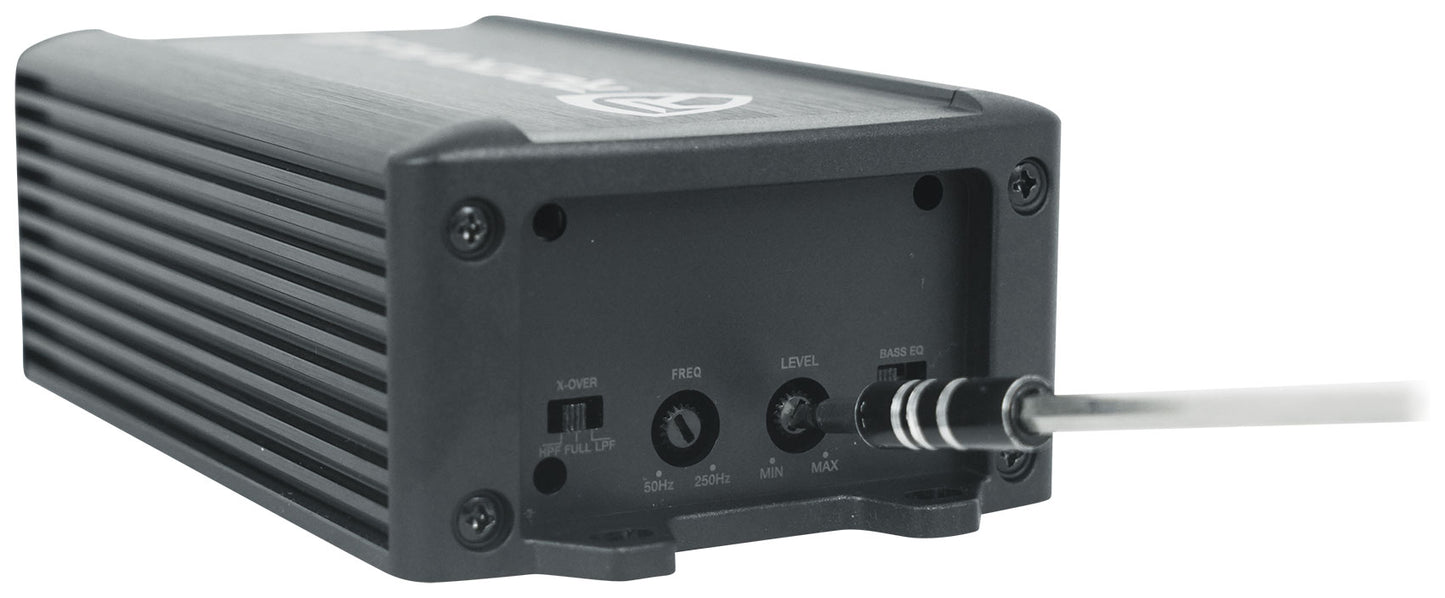
Independent crossovers, variable frequency, and selectable bass EQ let you fine-tune your sound for any ride or terrain.
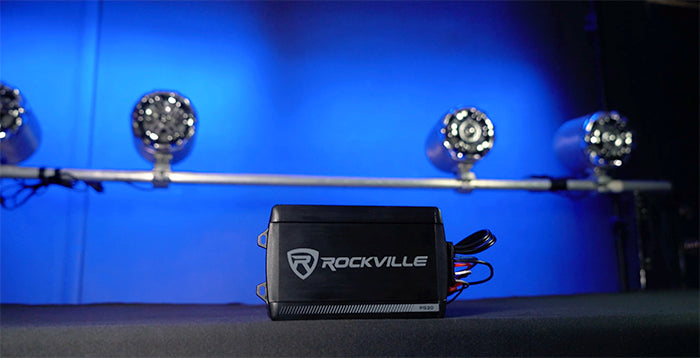
Upgrade Your Powersport Audio
Choose the PS20 for high-performance, resilient sound—wherever your adventure leads.
Features
-
Waterproof and Dust-Proof Build
IP65 rating and silicone covers protect against water, mud, and debris for reliable outdoor performance.
-
Powerful, Consistent Output
Certified 150W x 2 RMS into 2 ohms delivers dynamic, high-fidelity sound on any terrain.
-
Bluetooth Wireless Streaming
Built-in Bluetooth lets you stream music directly from your smartphone—no head unit needed.
-
Ultra-Compact, Easy Install
Micro size and lightweight Class D design fit easily in tight spaces and conserve battery power.
-
Customizable Sound Controls
Independent crossovers, variable frequency, and selectable bass EQ let you tailor your audio experience.
